Long-exposure light trails racing beneath a bridge at night toward an illuminated suspension bridge

Buying Guides

Choose with clarity, not guesswork.

Practical guides to help you pick the right automotive technology for your vehicle, your routine and the way you drive.

01Know your vehicle02Name the problem03Match the product

Start here

What would you like to improve?

Choose a goal and we will point you to the guide that fits best.

Recommended guide

Connectivity & Infotainment

Start with Connectivity & Infotainment. Check whether your car has factory wired CarPlay or Android Auto first: that decides whether a wireless adapter, a retrofit interface or a standalone screen is the right path.

Open this guide

Guides by category

Five families. The right questions for each.

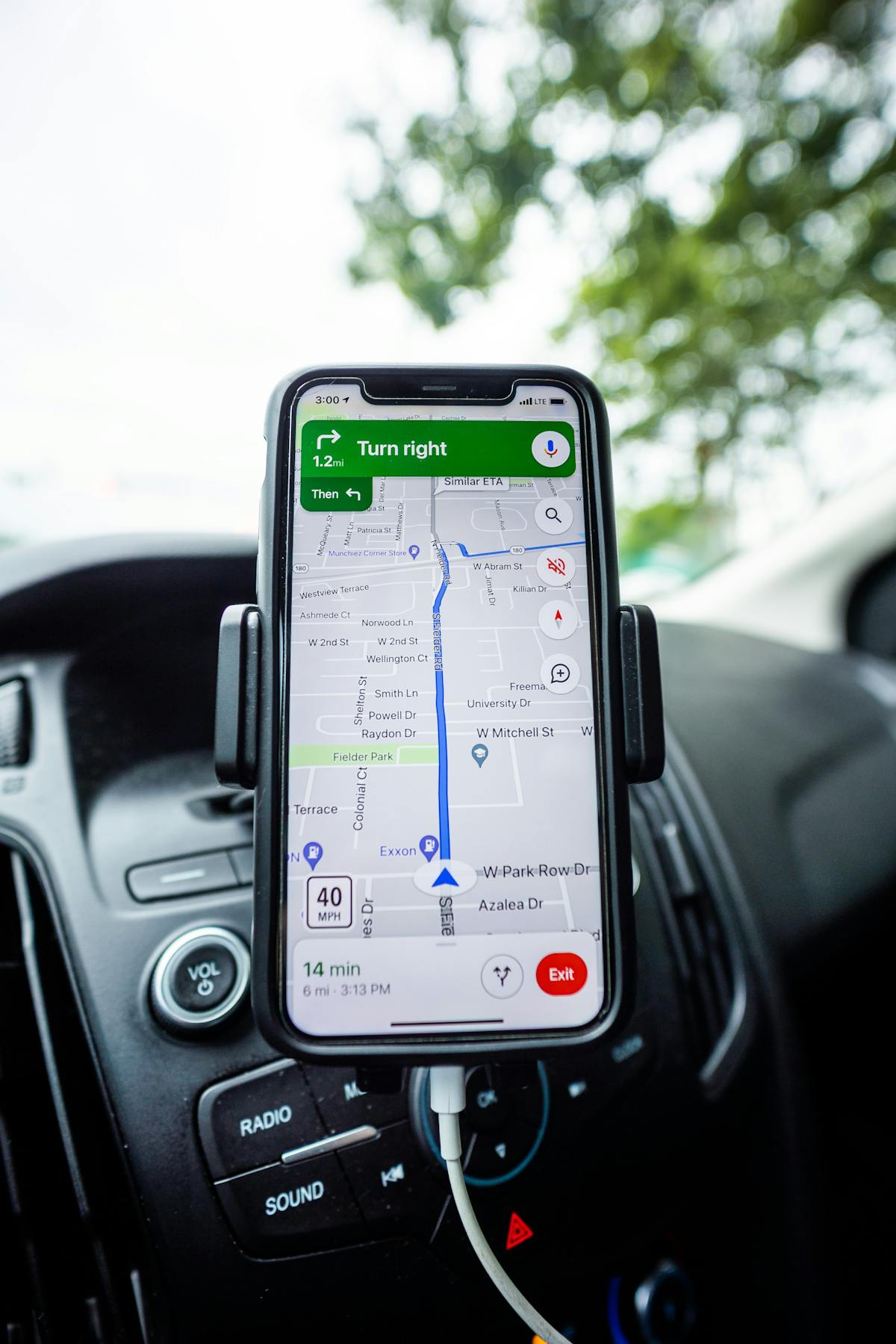
Smartphone in a car mount showing turn-by-turn navigationGUIDE 01

Buying guide

Connectivity & Infotainment

Wireless CarPlay and Android Auto adapters, displays, receivers and Bluetooth audio.

Ask before you buy

  • Does your car already have factory wired CarPlay or Android Auto?
  • Which phones will connect, and how many drivers share the car?
  • Will steering-wheel controls, microphones and factory cameras still work?

Dark sedan parked on a quiet residential street at duskGUIDE 02

Buying guide

Cameras & Parking Safety

Dash cameras, reversing cameras, parking sensors and in-cabin monitoring.

Ask before you buy

  • Do you need front only, front and rear, or cabin coverage?
  • Will you use parking recording, and does it need a hardwire kit?
  • Where will the camera and cables mount without blocking your view?
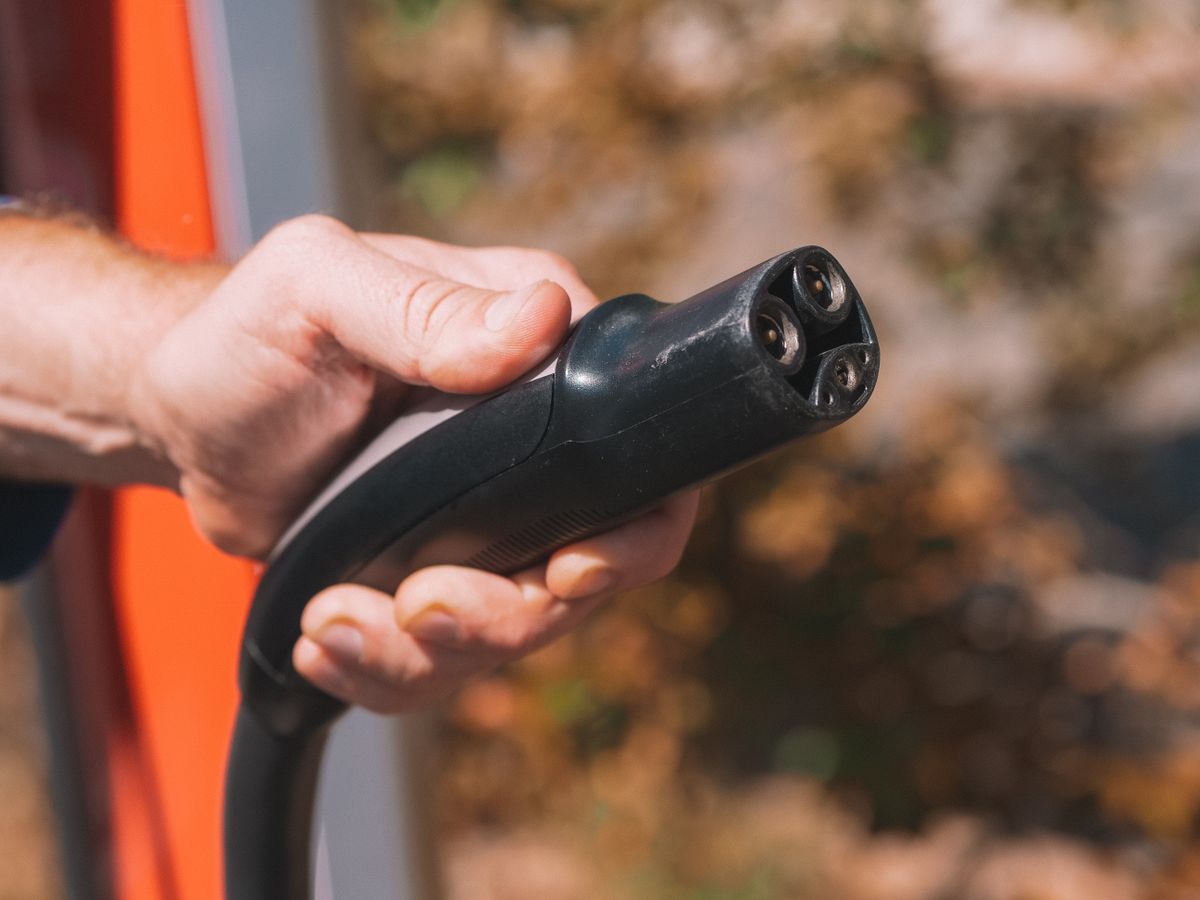
Hand holding a vehicle charging connector outdoorsGUIDE 03

Buying guide

Power & Charging

USB-C and wireless chargers, power distribution, cables and adapters.

Ask before you buy

  • How many devices need power at the same time?
  • What is the total output and the per-port output?
  • Is the cable rated for the charging speed you expect?
Digital instrument cluster showing speedometer, range and trip readingsGUIDE 04

Buying guide

Diagnostics & Vehicle Monitoring

OBD-II scanners, battery testers, tire pressure tools and tracking.

Ask before you buy

  • Do you need basic engine codes or ABS, airbag and service functions?
  • Does the tool rely on an app, and is your vehicle on its support list?
  • For TPMS, which sensor type and frequency does your vehicle use?
Open toolbox neatly organized with wrenches, sockets and screwdriversGUIDE 05

Buying guide

Mounts & Installation

Phone and tablet mounts, camera installation, stereo kits and cable management.

Ask before you buy

  • Where will the mount sit without blocking airbags, vents or your view?
  • Does the stereo kit match your exact dash opening?
  • Which trim panels or wiring will the installation involve?
Open planner notebook with handwritten notes, sticky notes and a pen beside a phone

Before you check out

A five-step buying checklist.

  1. Confirm your vehicle and phoneYear, make, model, trim and infotainment version, plus the phones you use.
  2. Name one problem to solveEvery upgrade should remove a real point of friction.
  3. Check fit and powerDimensions, mounting position, electrical needs and effect on factory controls.
  4. Review what is includedCables, mounts, memory cards and any app or update requirements.
  5. Plan for the setupPlug-and-play or professional installation? Know before it arrives.

Still deciding?

Get a recommendation for your vehicle.

Send us your vehicle year, make and model and what you want to improve. Our team will help you narrow it down, any time of day.

Emailsupport@axivolt.lolPhone, 24/7+1 (234) 965-4429
Address120 Tustin Ave C141, Newport Beach, CA 92663, United States