
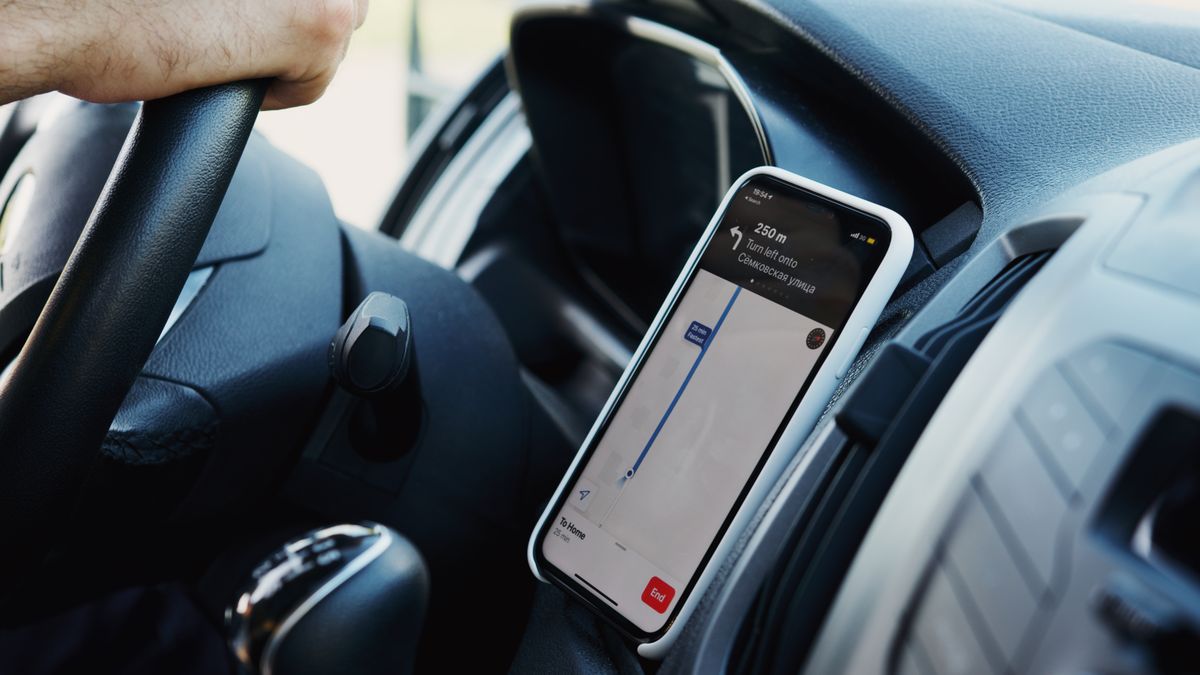
Universal
Fits many vehicles
Designed to work across many cabins. Still check size, weight, mounting surface and power needs.
- Phone mounts
- USB chargers
- Cables
- Portable screens

Vehicle Compatibility Guide
Before you choose an adapter, screen, camera or scanner, confirm the details that decide whether it will work in your car. This guide shows you what to check.
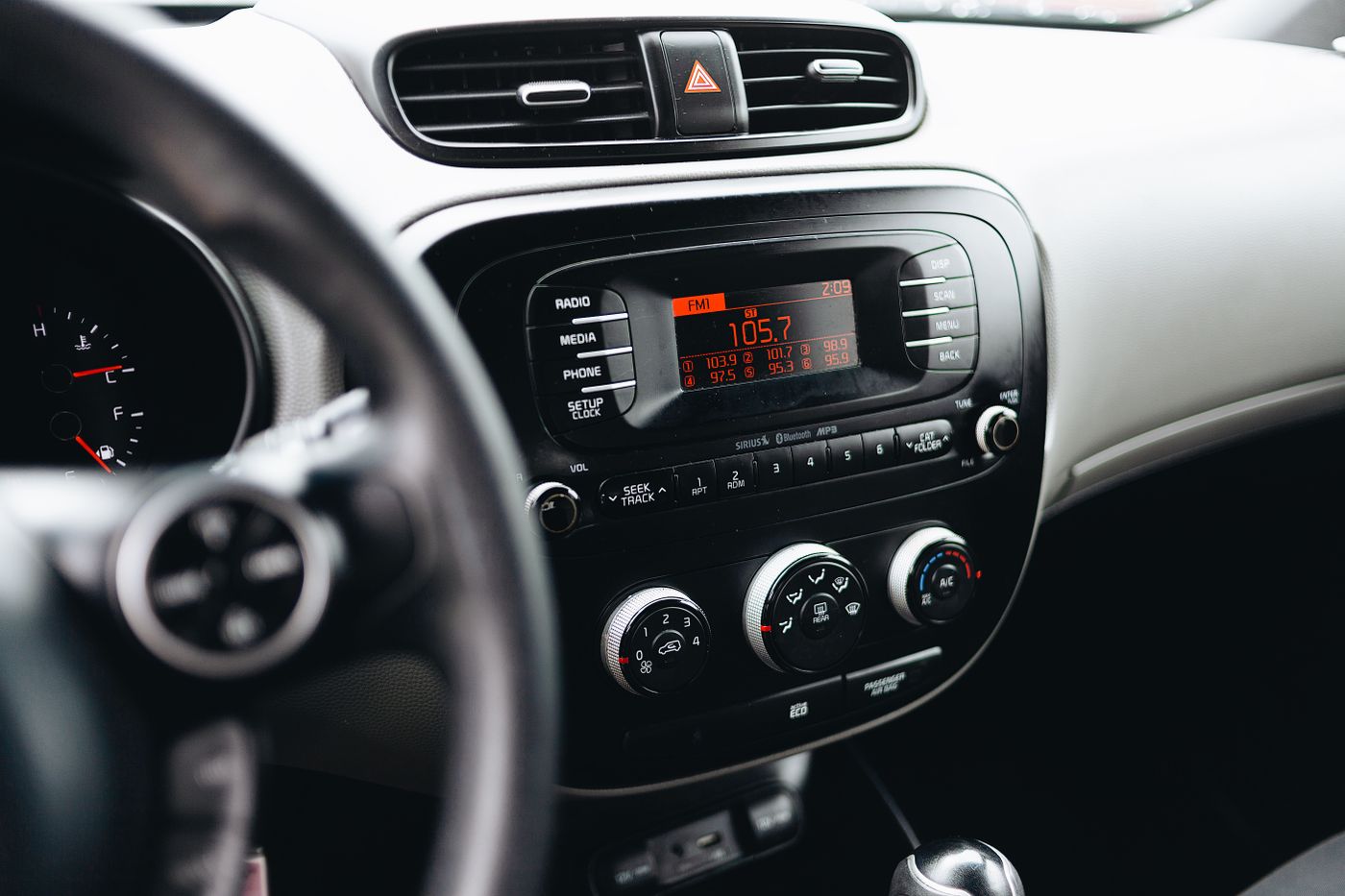
Your vehicle checklist
Tick each item as you check it. Having these details ready makes choosing, and getting help, much faster.
By product type
Most adapters convert an existing factory wired CarPlay or Android Auto connection to wireless. They usually cannot add these features to a head unit that never supported them. Confirm factory support, phone compatibility, and whether steering-wheel controls and microphones keep working.
Vehicle-specific interfaces depend on year, trim, original display, amplifier and software generation. Matching the vehicle name in a product title is not enough, so compare against the published compatibility list. Standalone portable screens avoid factory integration but need safe mounting and power.
Double DIN and dash kits must match your exact dash opening and wiring. Check whether a wiring harness adapter, antenna adapter or steering-wheel control module is needed for your vehicle.
Check windshield space, mirror position, rear camera mounting area and cable routes. Parking recording often requires a compatible hardwire kit, and connector shape alone does not guarantee compatibility between brands.
Compare total output with per-port output, and confirm your cable supports the charging speed. Never exceed the rating of your vehicle socket, and avoid stacking high-power accessories on one outlet.
Basic tools typically read emissions-related engine codes. ABS, airbag, transmission and service functions depend on the scanner and the vehicle, and Bluetooth tools may depend on a specific app and support list.
Sensor style, wireless frequency, wheel type, valve configuration and relearn procedures vary. A universal-looking monitor may not integrate with your factory system, so follow your vehicle manufacturer’s guidance.
Confirm phone or tablet size, weight and case thickness, and choose a mounting position that stays stable under vibration without blocking controls, airbags or visibility.
Universal or vehicle-specific?
Universal
Designed to work across many cabins. Still check size, weight, mounting surface and power needs.

Vehicle-specific
Built around specific years, trims and factory systems. Always compare against the published compatibility list.

Not sure? Ask us first
Older vehicles, rare trims and modified dashboards can be hard to judge from a product page. Send us your details before ordering and our team will help you confirm the right choice.
Peace of mind
If a product does not suit your vehicle, you can return or exchange it free within 30 days of delivery. Our team is here 24/7 to help you choose.